Ordering made simple
Paying Eat Better with VietQR: what to check
Verify the receiving bank, account, amount and reference, then follow your order’s payment status.

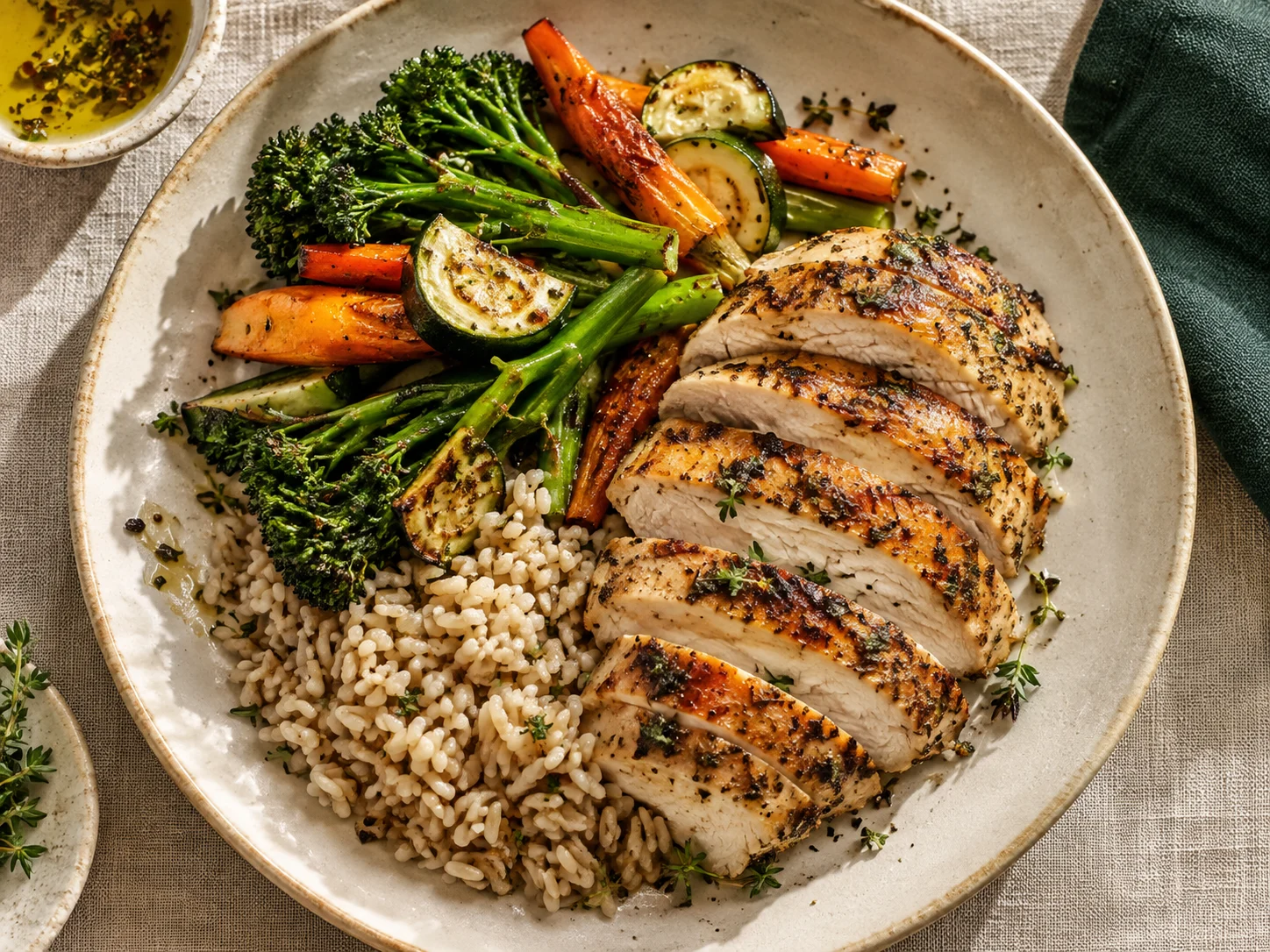
Concept menu photograph.
The QR appears after confirmation
Eat Better confirms meal availability and delivery fees before requesting payment. A pending request does not ask you to transfer money. The private order page shows the final total and VietQR once a quote is confirmed. Save that link and keep it private.
Check the recipient in your banking app
The receiving account confirmed by the owner is VietinBank, 107882611531, account holder Huynh The Phi. Compare the bank, account and recipient name shown by your banking app. Stop and contact hello@eatbetter.online if anything differs. Do not use replacement details from an unverified message.
Keep the exact amount and reference
VietQR can prefill an amount and transfer description. Eat Better uses a unique order reference beginning EBF. Keep it unchanged and pay the confirmed total, including delivery where applicable. Replacing the reference with your name or a message can prevent automatic matching. [1]
How payment is confirmed
Eat Better reconciles incoming Casso transaction data against the receiving account, reference and exact amount. A refresh or a transfer screenshot does not itself mark an order paid. Amount mismatches need separate review.
If you paid but the status has not changed
Check whether your bank transaction is successful or still processing, then revisit the order page. If needed, contact Eat Better with the order reference, transaction time and transaction ID. Never send an OTP, password or banking login. Do not pay again simply to test the status.
Refunds and changes
Agree on the meal, schedule and cancellation terms before paying. Refunds currently require separate confirmation and handling; there is no automatic refund button. Use Eat Better’s published contact email to verify unusual payment instructions.
Sources
Sources consulted on 9 September 2026. This article provides general information; individual order details are confirmed separately.
Plan the meals you need.
Choose meals for one day or explore a weekly plan. Decide after availability and delivery fees have been confirmed.
Explore the menu ↗︎ Choose meal days